
Restart or Shut Down? They aren’t always the same
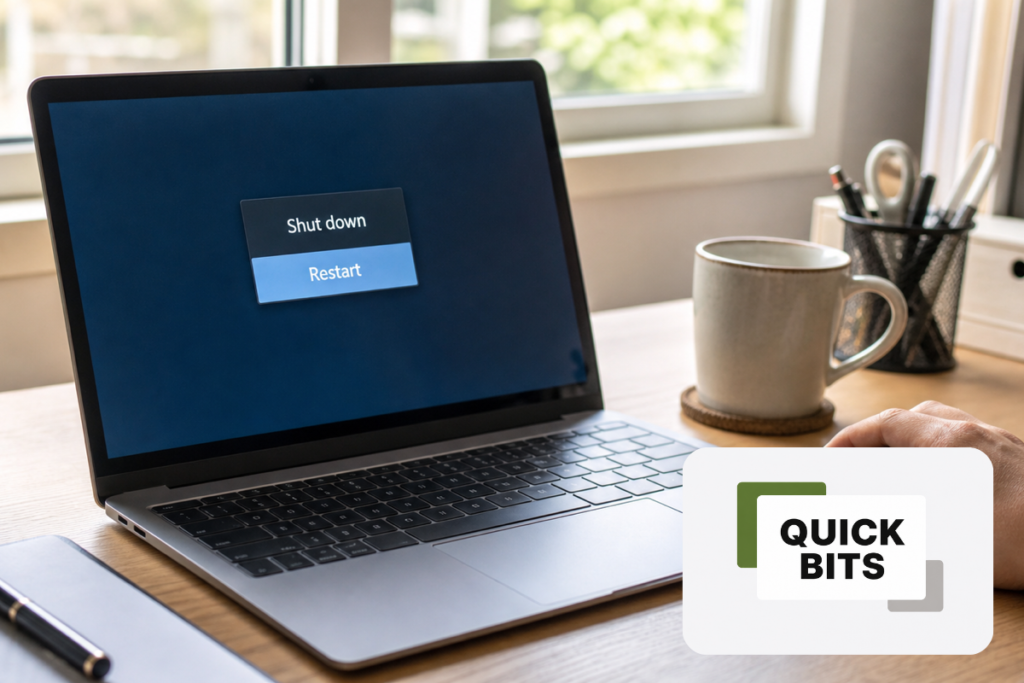
Turning a computer off and on again sounds like it should be the same as restarting it. On many Windows computers, however, there is a useful difference.
Windows can use a feature called Fast Startup when you select Shut down. It closes your programs and signs you out, but saves some of the Windows system state so the computer can start more quickly next time.
Selecting Restart tells Windows to reload the system more completely. That makes it the better first choice when something has stopped behaving normally.
The quick fix
- Save anything you are working on.
- Open Start.
- Select Power, then Restart.
Try this when Wi-Fi has disappeared, a printer or other device has stopped responding, or an application remains troublesome after you close and reopen it.
A restart will not cure every problem. If the same fault keeps returning, something else may need investigating—but it is a quick and sensible place to begin.