
Learning & Advice
Learn at your own pace with one-to-one guidance shaped around what you want to achieve. From email, online shopping and video calls to ChatGPT and other AI tools, everything is explained clearly and without jargon.
Everyday Online Tasks
Help with the websites and online services you may use as part of everyday life.
Shopping online
Learn how to use online shops, create secure accounts, pay safely and track your orders. I’ll also explain returns, suspicious websites and common shopping scams so you can make purchases with greater confidence.
Using email
Learn how to send, receive and organise messages, add attachments and keep your inbox manageable. I can also explain folders, automatic rules, spam, phishing messages and synchronising email across your different devices.
Banking online
I can help you access online banking securely from your computer, phone or tablet and explain balances, payments and other everyday features. You’ll also learn how to recognise fake banking messages and protect your login details.
Booking theatre or cinema tickets
I’ll guide you through choosing performances and seats, creating an account and completing payment. I can also explain confirmation emails, QR codes and adding digital tickets to Apple Wallet or Google Wallet.
Using catch-up TV
Learn how to use BBC iPlayer, ITVX, Channel 4, My5 and subscription streaming services. I can help you sign in, search for programmes, create profiles, organise watchlists and find your way around each service.
Using Facebook
I’ll help you set up and use Facebook, share updates and photographs, join groups and manage notifications. We can also review your privacy settings and discuss fake profiles, suspicious friend requests and scams.
Using Teams or Zoom
I can install and configure Microsoft Teams or Zoom on your chosen devices and guide you through a practice call. Learn how to join or host meetings, use your camera and microphone and share your screen.
Listening to music online
I’ll show you how to use Spotify, Apple Music or iTunes to find and play music, create playlists and organise your library. I can also help with subscriptions, offline listening, syncing devices and connecting wireless speakers.
Creating and using QR codes
I’ll show you how to scan QR codes with your phone and use them for tickets, menus, websites and other everyday tasks. You can also learn to create and share your own codes safely.
Getting More From Your Phone
Discover useful phone features and apps that can make travelling, communicating and everyday tasks easier.
Making the most of your phone
Discover useful phone features including maps, calendars, cloud storage, mobile payments, video calls and document scanning. I can help personalise the settings and show you how your phone can work with other devices around your home.
Using your phone as a Sat-Nav
Learn how to use Apple Maps, Google Maps or Waze for directions, traffic information and nearby facilities. I can also explain offline maps, hands-free navigation, safe phone mounting and keeping your device charged while travelling.
Using What 3 Words
I’ll show you how to install and use What3Words, find your precise location and share it with other people. We can also cover its use with deliveries, navigation and helping emergency services find you.
Documents & Organisation
Learn how to create, print, scan and organise documents and files more effectively.
Creating a Word document
Learn how to create and edit documents in Microsoft Word, format text, add pictures or tables and adjust the page layout. I’ll also show you how to save, print and share your finished document.
Scanning and printing
I’ll show you how to print from a computer, phone or tablet and scan documents or photographs clearly. You can also learn to create PDFs, email scanned files, make copies and choose the appropriate printer settings.
Organising your files
I’ll help arrange documents, photographs and downloads into clearly labelled folders, tidy your desktop and make files easier to find. You’ll also learn how to use search, create shortcuts and back up important information.
Christmas card labels
I can arrange your address list and create neatly formatted labels for Christmas cards or other mailings. Once the layout is ready, I’ll help you print them correctly so they’re ready to place on your envelopes.
Staying Safe Online
Straightforward guidance to help protect your accounts, personal information and online activity.
Using the internet safely
I’ll show you how to recognise scams and fake websites, protect personal information and adjust important privacy settings. You’ll also learn safer habits for passwords, links, downloads and keeping your software up to date.
Managing your passwords
I’ll help you create stronger passwords and arrange a secure way to store them, including setting up a password manager if appropriate. We can also replace reused passwords and enable two-factor authentication on important accounts.
Looking out for scammers
I’ll explain the common tactics used in fraudulent calls, emails and text messages and show you how to spot warning signs. You’ll also learn what to do quickly if you believe you’ve responded to a scam.
Using a VPN
Learn what a VPN does, when it may be useful and how to switch it on or off. I can install and configure a suitable service for safer public Wi-Fi, additional privacy and use while travelling.
Getting Started With AI
Explore useful and creative ways to use ChatGPT and other AI tools in everyday life.
Get started with ChatGPT
I’ll help you create a ChatGPT account, understand how it works and write your first prompts. We’ll use examples based on your interests, while also covering privacy, security and how to use AI responsibly.
Learn to write great prompts
Learn how to ask clear, detailed questions that produce more useful and accurate answers. We’ll compare different prompting approaches, build step-by-step instructions and explore how ChatGPT can adapt its responses to your requirements and preferences.
Everyday tasks made easy
Discover how ChatGPT can help with meal planning, shopping lists, emails and everyday schedules. We’ll create useful prompts that you can save and reuse, giving you practical examples to make routine tasks quicker and easier.
Organise your life
I’ll show you how ChatGPT can help plan trips, create task lists, arrange notes and prepare schedules for your calendar. You can also use it to organise projects and keep track of everyday responsibilities without complicated software.
Fun & creative ideas
Explore the creative side of AI by producing stories, poems, jokes, quizzes and other personalised ideas. We can also experiment with generating artwork and images, making this an enjoyable introduction for curious beginners and families.
How it works in three easy steps
Discuss
We'll chat about what you'd like to achieve, answer your questions and agree the best way to get there.
Do
I'll carry out the work carefully, keeping you informed and explaining everything in plain English.
Done
Before I leave, I'll make sure everything is working properly and you're happy with the result.
How to book an appointment
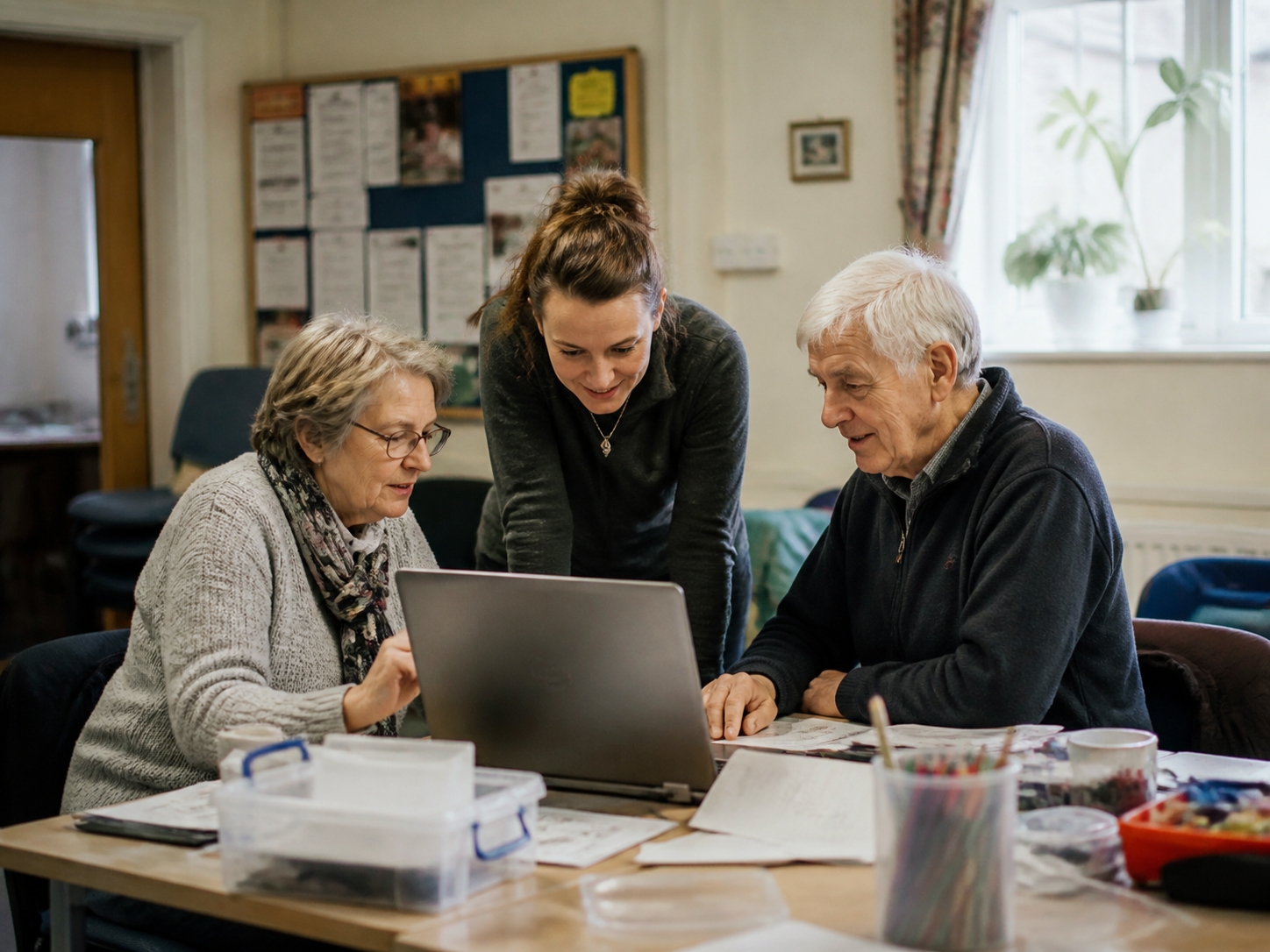
Tech support in the comfort of your home or office
My services are available across Sheffield, Dronfield, Chesterfield, Hope Valley, Bakewell and many nearby towns and villages.